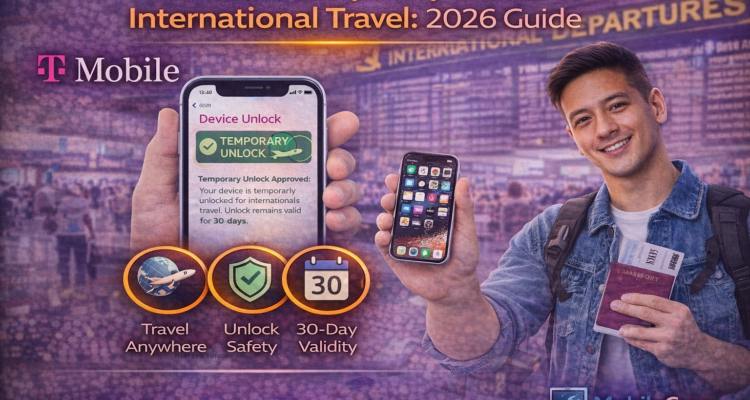
Planning a trip outside the US in 2026? If your phone is locked to T-Mobile, you won't be able to use a local international SIM card without a t-mobile temporary unlock for international travel. While permanent unlocks have strict rules, T-Mobile is often more flexible for travelers. Here is how to unlock your iPhone or Android device in minutes.
Requirements for a Temporary Unlock
Before you request an unlock for your international trip, ensure you meet these basic criteria:
- Your account must be in good standing (no past-due balances).
- The device must have been active on T-Mobile's network for at least 40 days.
- You must have a valid reason (like documented international travel).
How to Request Unlock (Step-by-Step)
For Android Users (Samsung, Motorola, Revvl)
Most Android phones use the built-in settings. If you have issues, check our T-Mobile device unlock app guide for a full fix.
- Go to Settings > Connections > More Connection Settings.
- Tap on Network Unlock.
- Select Temporary Unlock. (This requires an active internet connection).
- Once approved, your phone will stay unlocked for 30 days.
For iPhone Users
Apple does not have a "Temporary Unlock" button. You must contact T-Mobile support via the app or dial 611. Tell them you are traveling internationally, and they will whitelist your IMEI for a specific duration.
Common Troubleshooting
| Issue | How to Fix |
|---|---|
| "Device Not Eligible" | Wait until your device has 40 days of active service. |
| "Server Error" | Clear the app cache or use T-Mobile data instead of Wi-Fi. |
| "Maximum Limit Reached" | You can only do this 5 times a year. Contact support for an exception. |