Accidents happen. Whether you dropped your iPhone or your device was stolen, having insurance through Boost Mobile (now powered by Likewize/Brightstar) is a lifesaver. In 2026, the Boost Mobile phone insurance claim process has moved almost entirely online, making it faster than ever to get a replacement.
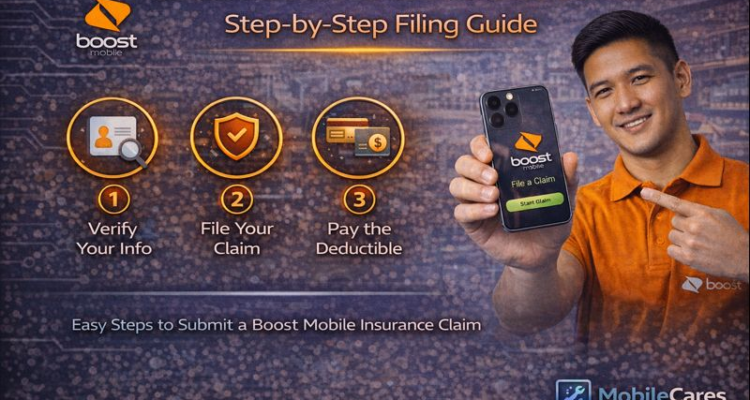
How to File Your Boost Mobile Claim Quickly:
- Visit the official MyPhoneGuardian or Likewize portal.
- Log in using your Boost Mobile phone number and account PIN.
- Provide details of the incident (Date, type of damage, or theft).
- Pay the deductible (Check our Repair Cost Guide for deductible estimates).
- Receive your replacement device or repair authorization.
Requirements for Filing a Claim
Before you start, make sure your account is in good standing. You will need to use your Boost Mobile Login to ensure your bill is paid. If your bill is overdue, Likewize may reject your insurance claim immediately.
Deductibles: What Will You Pay?
The cost of your claim depends on your device tier. High-end devices like the iPhone 17 or 16 Pro Max have higher deductibles compared to budget Android phones.
| Service Type | Standard Coverage | Boost Protect Advantage |
|---|---|---|
| Screen Repair | $29 - $49 | Includes 1-Year Warranty |
| Loss or Theft | $99 - $250 | Next-Day Replacement |
| Mechanical Failure | $0 (After Apple Warranty Check) | Covered |
Not sure if you should use Boost Protect or Apple's official service? Read our deep dive on AppleCare+ vs Boost Mobile Protect to see which one saves you more money on long-term repairs.
Common Reasons Claims Get Rejected
Apple and Boost often reject claims if they suspect non-genuine parts were used previously. If you've had a battery replacement or third-party repair, disclose it early to avoid a denied claim.