
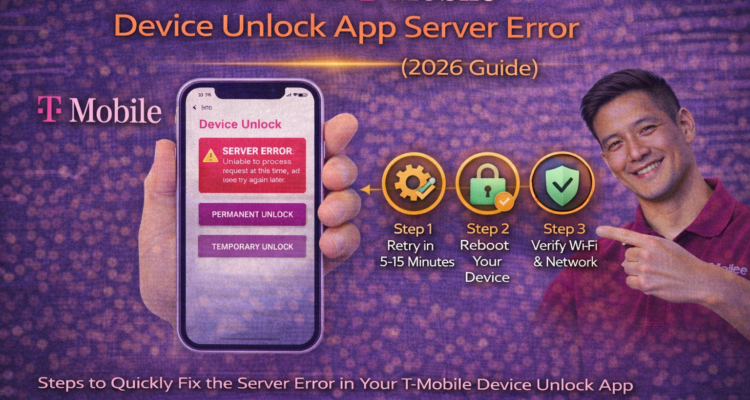
Are you trying to unlock your Samsung or Google Pixel only to be stopped by a frustrating t-mobile device unlock app server error? You are not alone. In 2026, many T-Mobile customers are reporting "Server not responding" or "Communication error" messages even when their devices are fully paid off. This guide will show you exactly how to bypass these glitches and get your phone ready for any carrier.
Watch: Visual Guide to Fixing Unlock Errors
Sometimes a video explains it better than words. Watch this 2026 tutorial to see the exact settings you need to toggle to fix the T-Mobile server connection:
Top 3 Ways to Fix the "Server Not Responding" Error
If the simple restart didn't work, follow these expert-level troubleshooting steps:
1. Clear Device Unlock App Cache
Over time, the app saves old "handshake" data that prevents it from talking to T-Mobile's 2026 servers. To clear it:
- Go to Settings > Apps > See All Apps.
- Find the Device Unlock app.
- Tap Storage & Cache and select Clear Storage (this won't delete your personal files).
2. Disable VPN and Ad-Blockers
T-Mobile's security system blocks any request coming from a VPN or an encrypted DNS. Make sure your VPN is completely off before clicking the "Permanent Unlock" button.
3. Use the Temporary Unlock Bypass
If the permanent unlock keeps giving a server error, try the T-Mobile temporary unlock for international travel. Often, the temporary request goes through a different server and can "wake up" the system for your permanent request later.
Hardware Issues? Visit Us in El Paso
Sometimes, the "Server Error" is actually a hardware failure where your phone can't read the SIM's network certificate. If you suspect your antenna or SIM slot is damaged, visit our experts for iPhone repair in El Paso for a professional diagnostic.
Ready to Switch Carriers?
Once you fix the t-mobile device unlock app server error, you are free to move! Don't forget to grab your porting details from your current or old carriers. We have guides for the Straight Talk transfer pin, the AT&T port-out process, and how to check your Verizon port status.
Recommended Read: How to Fix T-Mobile Device Unlock App Server Error (2026 Updated Guide on Medium)
Is it Time for an Upgrade?
If your older Samsung or iPhone is giving constant software errors, it might be more cost-effective to trade it in. Read our expert opinion on is it worth repairing your phone in 2026. If you decide to upgrade to the iPhone 16 or 17, keep an eye on the screen repair costs and warranty rules.
Frequently Asked Questions
1. Why does it say 'System Error' every time I click unlock?
2. Can I unlock a blacklisted T-Mobile phone with this app?
3. Does Mint Mobile work once I fix the server error?
SHARE THIS POST:

Chris MobileCares
Hi, I'm Chris, a tech enthusiast dedicated to solving everyday mobile challenges. From fixing complex software glitches to providing step-by-step repair guides for iPhone screens, I bring a practical approach to mobile technology. I stay ahead of the curve to ensure you get the best tips for managing your wireless service in 2026