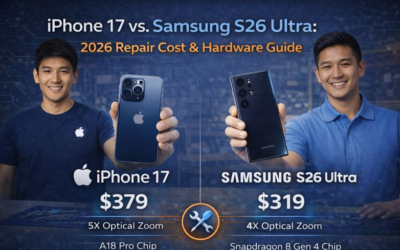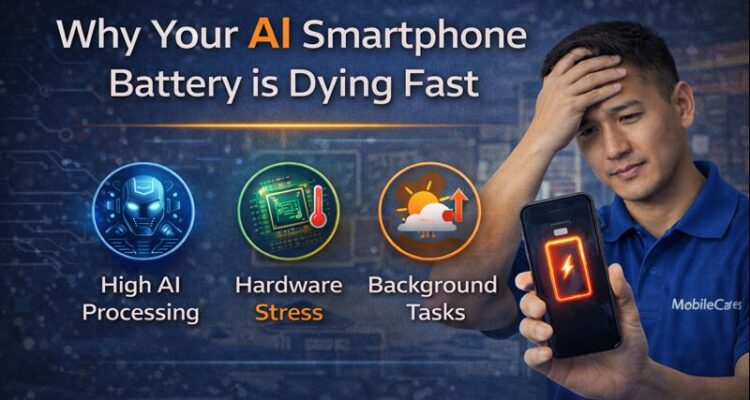
In 2026, our smartphones are smarter than ever, but they are also hungrier. If you’ve upgraded to an iPhone 17 or a Samsung Galaxy S26 Ultra, you might have noticed the battery percentage dropping faster than your old device. The culprit? On-Device Gen-AI.
The Cost of Intelligence: NPU vs. Battery
Unlike standard apps that close when you stop using them, AI features stay “awake.” Whether it’s live translation, predictive photo editing, or your smart assistant learning your habits, your phone’s processor never truly rests. This creates a constant Micro-Drain that can reduce your screen-on time by up to 25%.
| AI Feature | Battery Impact | Recommended Fix |
|---|---|---|
| Live Language Translation | High | Disable when not traveling |
| Generative AI Wallpapers | Medium | Use static OLED black themes |
| AI Background Indexing | Extreme | Limit to “Charging Only” mode |
3 Signs Your AI is Killing Your Battery
- Idle Heat: Your phone feels warm in your pocket even when you aren’t using it.
- Overnight Drop: You wake up to find 15-20% battery gone while you slept.
- NPU Usage Spike: In settings, “System Tasks” show higher consumption than social media apps.
How to Optimize Your 2026 Flagship
You don’t have to turn off the smart features you paid for. Instead, use Adaptive Intelligence. Go to your settings and toggle ‘Neural Throttling’ on. This allows the phone to prioritize AI tasks only when the battery is above 50%.
Battery Drain FAQs
Is it safe to use fast chargers every day?
Can a software update fix battery drain?
When should I replace my battery?
Struggling with a phone that won’t last the day? Visit MobileCares for a professional thermal diagnostic and battery calibration. We help you stay powered in the AI era.